
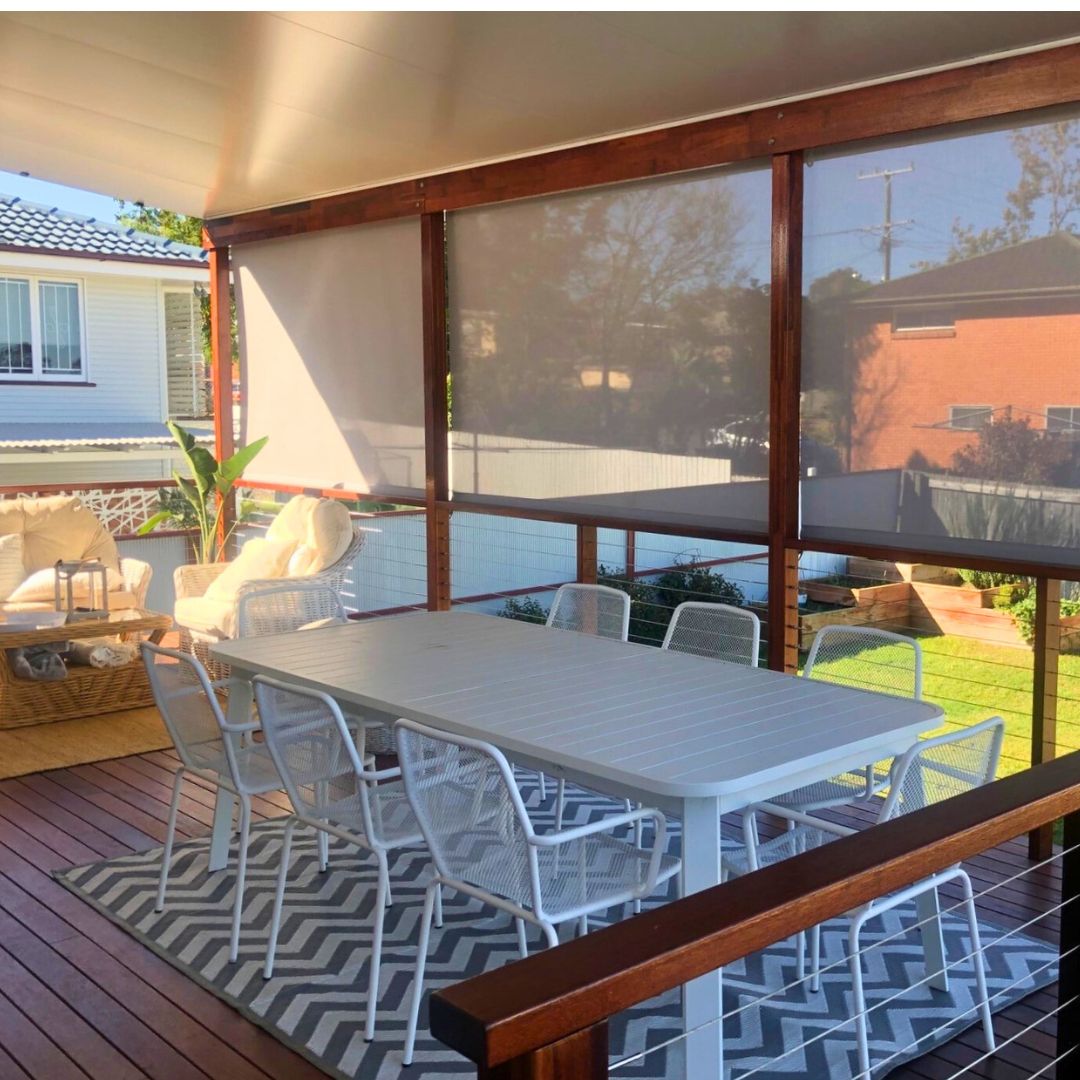
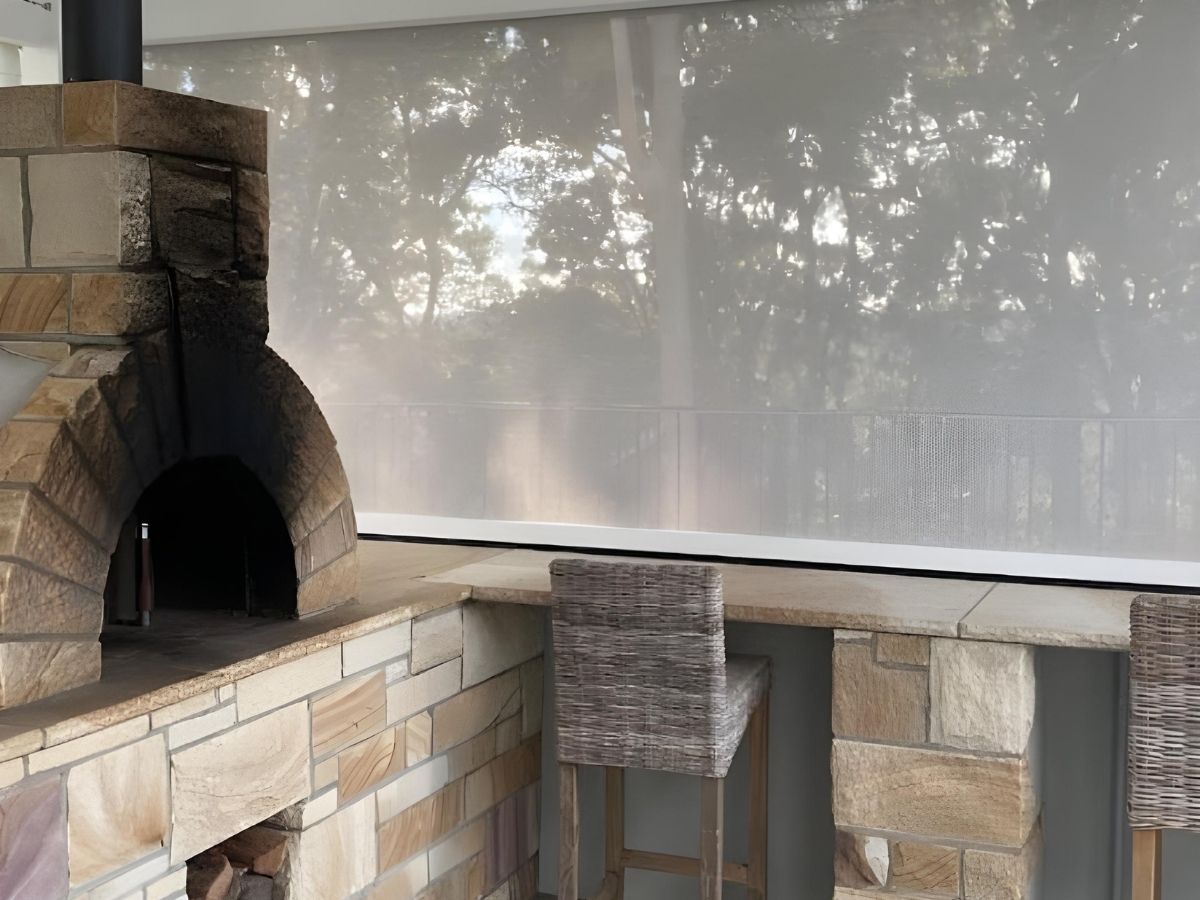
Short answer: Motorised outdoor blinds are worth it when you want your patio, pergola or outdoor windows to be easier to use every day. The best setup is not just about adding a motor. It is about matching the right blind system, the right power type and the right accessories so the blind actually works the way you want in real life.

If you are comparing motorised outdoor blinds, this guide is here to help you make a practical decision in normal language. We will cover the blind systems, the motor choices, the remote, the smart accessories and the setups that make the most sense for different homes.
The 30-Second Version
| If your priority is... | Best direction |
|---|---|
| Fast everyday convenience | Motorised blinds |
| A cleaner setup without manual winding | Motorised blinds |
| No charging and nonstop power | 240V plug-in motor |
| A cordless install without hiring an electrician | Rechargeable battery motor |
| App and voice control | Add the Nexus Smart Wi-Fi Hub |
| Automatic weather response | Add the Sun & Wind Sensor |
| Battery charging with less hands-on upkeep | Add the SolMate Solar Panel |
Why People Upgrade to Motorised Outdoor Blinds
Most buyers do not upgrade because they love gadgets. They upgrade because manual blinds are not always pleasant to use when the opening is large, high, exposed, or adjusted often during the day.
Lower the blind when the glare hits. Raise it again when you want more light. No winding, no fuss.
Ideal for upper windows, wide openings and patios where manual operation is awkward.
Add automation so the blinds can respond to wind or harsh afternoon sun.
A neater, more premium result for modern patios, pergolas and outdoor entertaining areas.
Ozrite's current motorised outdoor blinds page is built around exactly that idea: smart control, DIY-friendly setup and custom-built systems delivered Australia-wide.
How a Motorised Blind Setup Actually Works
A complete motorised setup usually has four parts:
- The blind system that suits the opening
- The motor type that suits your power situation
- The control layer, usually the remote
- The accessory layer, like Wi-Fi, sensors or solar charging
If any of those four parts is wrong, the setup can still work, but it will not feel as polished or useful as it should.
Step 1: Pick the Right Blind System First
The motor is important, but the blind system still does most of the real performance work.
| System | Best for | Why it matters |
|---|---|---|
| HD Channel | Wider openings and cleaner side coverage | Deep side channels help hide gaps and cover the opening with one clean blind |
| Ziplock | Stronger sealing against insects and weather | The fabric locks into side tracks to create a much tighter seal |
| Cable Guided | High windows and spots without posts | Marine-grade stainless steel cables suit hard-to-reach or elevated setups |
| Pivot Arm | Projecting window shade with ventilation | Projects fabric outward to block hot sun while still allowing airflow |
Step 2: Choose Plug-In or Battery
Ozrite currently offers two main motor options: a 240V plug-in motor and a rechargeable battery motor. Both are DIY-ready, but they suit different buyers.
Best for high-use patios with nearby power outlets.
- Max width: 6.2m
- Speed: 15 RPM
- IP44 weatherproof
- 50m remote range
- No charging routine
Good fit if: you want permanent power and a true set-and-forget setup.
Best for clean cordless installs without trade wiring.
- Max width: 4.5m
- Speed: 9 RPM
- IP44 weatherproof
- 50m remote range
- USB-C charging or solar upgrade
Good fit if: you want a tidier install and less dependence on nearby outlets.
Quick Graph: Plug-In vs Battery
Best Fit Score by Use Case
Plug-In
Battery
Plug-In
Battery
Plug-In
Battery
Plug-In
Battery
How the Remote Works
Every current motorised blind order includes the Voyager remote. This is more important than it sounds because control quality changes whether a motorised setup feels genuinely better than manual.

- Controls up to 15 blinds
- Can run blinds individually or together as a group
- 50m wireless range
- Includes a magnetic wall cradle for easy docking
If you have a large patio with multiple openings, grouped control is one of the biggest quality-of-life benefits of going motorised.
Accessories That Make the Biggest Difference
This is the part many short articles skip, but it matters. Good accessories can make a motorised setup feel genuinely smart instead of just electrically operated.
| Accessory | What it does | Best for |
|---|---|---|
| Nexus Smart Wi-Fi Hub | Adds app control, voice control and scheduling | Buyers who want smart-home control and remote access |
| Sun & Wind Sensor | Retracts in strong wind and lowers in strong sun | Weather automation and better protection |
| SolMate Solar Panel | Keeps the battery motor topped up with sunlight | Battery setups with lower ongoing maintenance |
Nexus Smart Wi-Fi Hub

- Voice control with Siri, Alexa and Google Home
- Raise or lower blinds from anywhere
- Set schedules for afternoon heat and glare
- Plug-and-play setup
Sun & Wind Sensor

This is the most practical “set it and forget it” upgrade for weather response.
- Retracts blinds if heavy winds pick up
- Lowers blinds when the sun becomes intense
- Solar powered
- Works with all motorised blinds and the Nexus hub
SolMate Solar Panel

If you choose the battery motor, the solar panel is what turns it into a lower-maintenance setup.
- Keeps the battery topped up using sunlight
- Low visual footprint
- Plug-and-play connection
- Adjustable bracket to help capture the right sun angle
Best Setups for Real Homes
| Your situation | Recommended setup |
|---|---|
| Everyday entertaining patio with power nearby | Ziplock or HD Channel with 240V plug-in motor |
| Clean cordless patio upgrade | Battery motor with optional solar panel |
| High outdoor windows | Cable Guided with motorisation |
| Weather-sensitive exposed area | Motorised blind plus Sun & Wind Sensor |
| Smart-home-first buyer | Motorised blind plus Nexus Wi-Fi Hub |
What To Do Before You Order
Before you buy, check these five things:
- The width and drop of the opening
- Whether the opening needs sealing, side coverage, or a guided setup
- Whether power is nearby
- Whether you want simple remote control or deeper automation
- Whether solar charging or weather sensing would actually help in daily use
Ozrite's measuring guide is still the best starting point before locking in a motor choice. The compare page and inspiration gallery also help when you are deciding which system to motorise.
Ozrite's Practical Recommendation
If you use the space often, motorisation is usually worth it. The biggest wins come from easier daily use, faster weather response and a setup that is more likely to be adjusted properly instead of left alone out of inconvenience.
The smartest buying path is simple: choose the right blind system first, choose the right power type second, and then add only the accessories that genuinely improve the way you will use the blind.
FAQ
Are motorised outdoor blinds worth it?
Yes, especially for spaces that are used often, are hard to reach, or need fast response to glare, sun and changing weather.
What is better: plug-in or battery?
Plug-in is better for permanent power and larger spans. Battery is better for cleaner installs and avoiding wiring work.
What does the smart hub do?
It adds app access, voice control and scheduled operation, which is useful when you want the blinds to behave more like part of a smart-home setup.
What does the sun and wind sensor do?
It retracts blinds in stronger wind and lowers them when the sun becomes intense, helping protect the system and keep the area more comfortable.
Can I run a battery motor with solar?
Yes. Ozrite's SolMate solar panel is designed to keep the rechargeable battery motor topped up using sunlight.
Which system should I motorise?
That depends on the opening. Ziplock suits tighter sealing, HD Channel suits cleaner side coverage, Cable Guided suits high or awkward spots, and Pivot Arm suits projecting window shade.
Next step: Start with Ozrite's motorised outdoor blinds collection, then use the measuring guide before ordering.